
1. Access the website https://www.icpramericas2026.org/home/login and log in using the credentials you received by email.
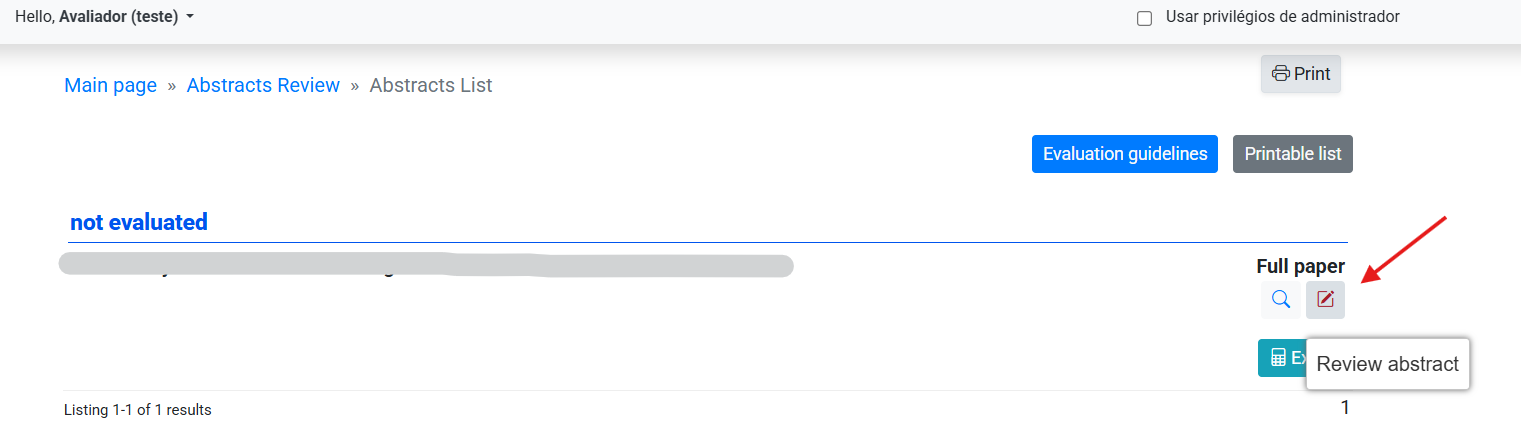
2. On the main screen, you will see all the submissions assigned to you for evaluation. To begin, choose a submission and click on the Review Abstract option.
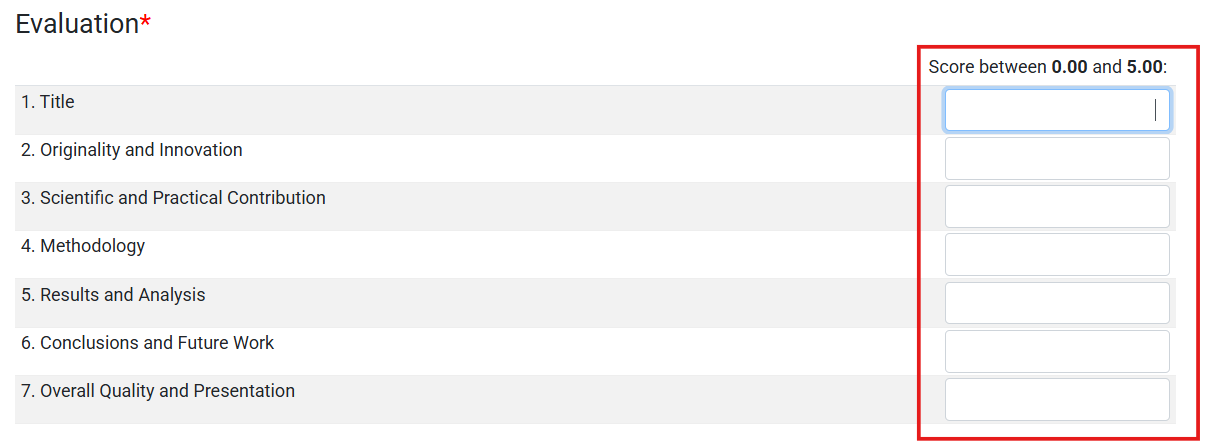
3. On the next screen, you can view the abstract and keywords. Below that, you must enter scores in the indicated fields. The maximum score is 5 per requirement.
4. Next, in the Full report field, you must indicate the final evaluation verdict. There are 3 available options:
- Accepted
- Not accepted
- Accept with revisions

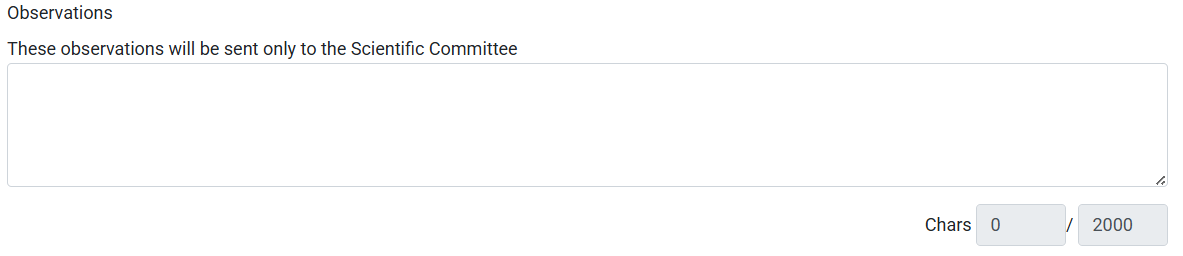
5. Then, optionally, you can include a note in the Observations field. This note can only be read by the event's scientific committee and is not visible to the authors.
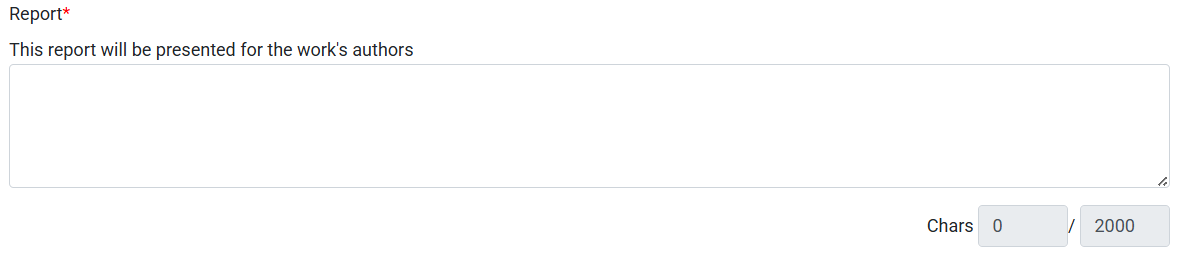
6. When choosing the Not accepted or Accept with revisions options, it is mandatory to include a justification in the Report field. This content will be visible to the authors.
7. To complete the evaluation, click the Salvar (Save) button at the bottom of the page.
If you have any questions, please contact the event secretariat.